Building a Portal Around Your Existing Systems, Not Instead of Them
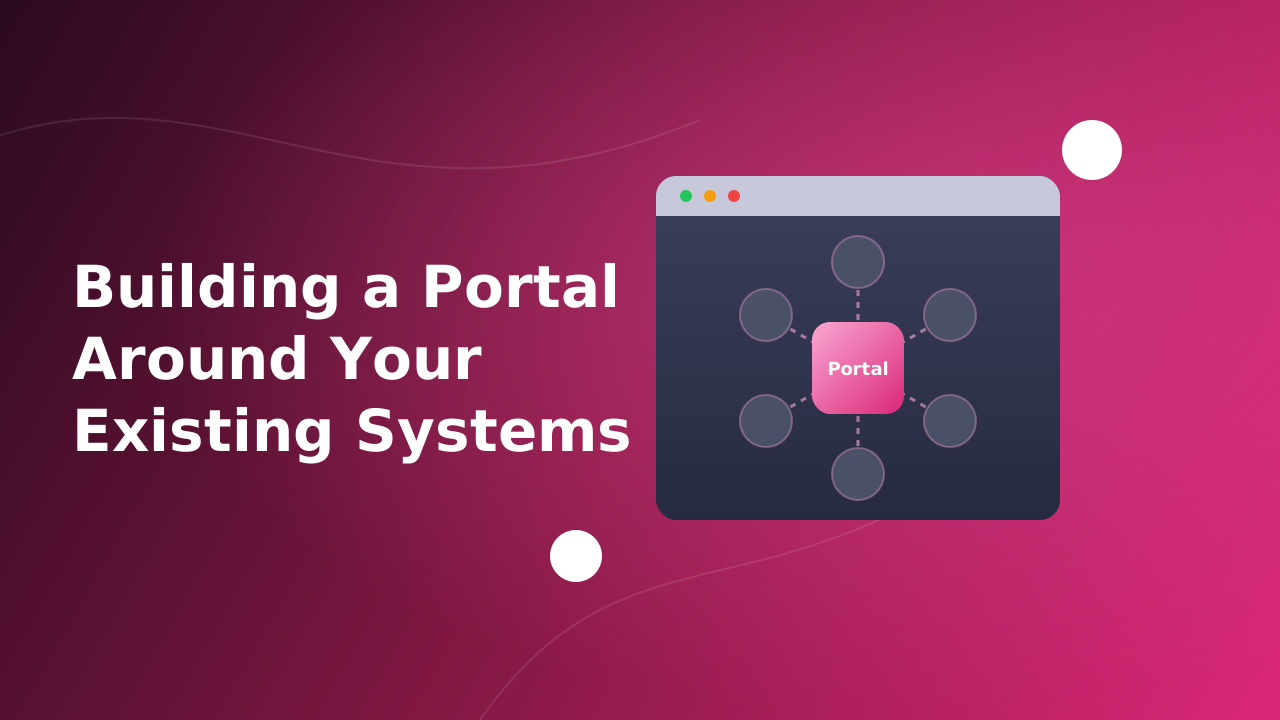
Most enterprise portal projects start with a list of features. The ones that succeed are usually decided by a different list: the systems the portal has to talk to. Employees already have accounts in a directory. Meetings already live in someone's calendar. Payments already go through a provider the finance team trusts. A portal that ignores all of that becomes one more system to keep in sync by hand, which is exactly the problem it was bought to solve.
Across the portals I've built - intranets, a partner portal, a supply chain finance platform, a telehealth service, a booking marketplace, a rights management platform - the most valuable work was rarely a screen. It was a connection. This article walks through those integrations by category, what each one changed for the business, and how to decide what to connect, what to build and what to leave alone.
The portal is the joining layer
A useful way to think about an enterprise portal: it owns the experience, the workflow and the permissions. It doesn't have to own the data or the specialist capability. The directory remains the source of truth for who people are. The payment provider remains the source of truth for money. The video service runs the call. The portal's job is to put all of it in front of the right person, at the right step of a process, with the right access.
That division matters because every capability a portal rebuilds instead of integrating is one it has to maintain, secure and upgrade forever. Every capability it integrates is one that someone else - usually a vendor that does nothing else - keeps current.
What we connected, and what it changed
| Area | Integrated with | What changed for the business |
|---|---|---|
| Identity and access | LDAP, SAML single sign-on, CIAM, authenticator-app MFA | One login per user, access governed by existing directories, no second password list to manage |
| Scheduling | Two-way Google Calendar sync, in-portal conference scheduling | Meetings visible where people already plan their day |
| Video | Jitsi and Vonage | Remote consultations and live meetings without a separate tool |
| Payments | Stripe | Appointments booked and paid in one flow, no manual invoicing |
| Location | Google Maps API | Facilities discovered on a map rather than in a list |
| Search and analytics | Elasticsearch with custom analyzers, Kibana | Large content and media libraries become findable, and operations become visible |
| Other channels | GraphQL APIs for a mobile app | One content source and one editorial team for web and mobile |
| Bulk data | CSV and Excel imports | Large datasets loaded by business teams, not engineers |
| Real-time | Server-Sent Events | Users see changes as they happen, without refreshing |
| AI | Liferay AI Hub agents | Requests raised and approved in a conversation |
Identity: one login, many audiences
Identity is the integration every portal needs and the one most often done halfway. The goal is simple to state: nobody should get a new password because a portal launched, and nobody should keep access after they've left. Different audiences call for different approaches:
- Employees: directory integration. On a committee collaboration suite spanning several organizations, LDAP supplied the user accounts, and Liferay roles and permissions layered access on top.
- Partners from other companies: federated single sign-on. A supply chain finance portal connected corporates, their vendors and lenders, with SAML SSO for sign-in and digital signing of program agreements.
- Customers and external editors: customer identity (CIAM). For a headless CMS behind a mobile app, editors and approvers signed in through a customer identity platform rather than accounts created inside the portal.
- Sensitive data: multi-factor authentication. On a licensing onboarding platform, users protect their accounts with Google Authenticator or Microsoft Authenticator, apps they already have, instead of a bespoke second factor.
The lesson across all four: the portal should consume identity, never become its own user directory. The moment it holds passwords and group memberships that exist nowhere else, someone has to keep them in sync by hand, and offboarding becomes a checklist that eventually gets missed.
Scheduling and video: meet users where they already are
A meeting governance portal on Liferay 6.2 couldn't talk to modern calendars or conferencing tools, which was one of the reasons to rebuild it. The new version shows meetings, subjects and related data in one calendar view, lets users schedule conferences from inside the portal, and syncs with Google Calendar in both directions. The portal stays the place where meetings are governed. The calendar stays the place where people look at their day. Nobody has to check one against the other.
Video follows the same logic. A telehealth portal used Jitsi and Vonage for online consultations instead of building video, and the committee suite combined video conferencing with live voting, speaker control and attendance captured as structured data. Real-time video is a product in its own right. Embedding one turns a booking into a service delivered in the same place.
Payments: let the provider own the money
In the telehealth portal, patients found a doctor, booked an online or offline appointment, joined the consultation by video and paid through Stripe. Payment is what turned a scheduling tool into a complete, billable service.
The principle that keeps payment integrations safe: the portal never stores card details. The provider handles card data, the compliance burden that comes with it and the payment itself. The portal stores the booking and a reference to the payment, and treats the provider's confirmation - not the user's browser coming back from a checkout page - as the signal that money actually moved.
Location: maps as a search interface
A heliport booking platform brought together three roles that had been working in isolation: owners registering facilities, operators booking them and travelers booking point-to-point trips. The Google Maps API made heliports discoverable on a map, with Elasticsearch behind the search. For anything physical - facilities, branches, service areas - a map is often the search interface users expect, and it's a far smaller integration than the value it adds.
Search and analytics: making large collections usable
Search is built into the platform, but default search is tuned for nobody in particular. On a digital asset portal, a custom Elasticsearch analyzer and indexer turned a flat library of images and video into a catalog people could filter by what they actually needed. On a global partner portal, Elasticsearch and Kibana added search for users and operational visibility for the team running it. Tuning Search for Large Content Sets covers the technical side.
Other channels: one content source for web and mobile
A mobile app needed editorially managed content, and building a separate CMS for it would have been slow and costly. Instead, Liferay ran as a headless content backend: editors managed everything in the portal, the app fetched exactly what it needed over GraphQL, and large batches of content arrived through Excel uploads. One content team, one approval process, two channels.
Bulk data: imports are integrations too
Not every integration is an API. On the rights management platform, CSV uploads let business teams load large datasets themselves. On the committee suite, bulk user and organization uploads replaced one-by-one setup. Treat an import like any other integration: validate every row, report what was rejected and why, and make it safe to run twice. An import that fails silently halfway is worse than no import.
Real-time and AI: the newer layers
Two integrations are changing what users expect from a portal. The first is real-time updates: when a record changes, users see it without refreshing. Server-Sent Events do this over plain HTTP, which fits the way portals are already deployed. Real-time updates in Liferay without WebSockets explains how.
The second is AI that acts rather than answers. With Liferay AI Hub, an agent is a workflow that can call the portal's own APIs: an employee raises a leave request in a chat, the manager approves it in the same chat, and Liferay's permissions decide who may do what. The integration that matters isn't the language model. It's the connection to live data and existing permissions, which is what makes an assistant useful and keeps it safe. I covered this in my talk at the Liferay User Group meetup in Ahmedabad.
Integrate, build, or leave it outside
Not everything should be integrated, and not everything should be built. A rough guide from these projects:
| Capability | Usually the right call | Why |
|---|---|---|
| Identity and sign-in | Integrate | The directory or identity provider is already the source of truth, and auditors expect it to stay that way |
| Payments | Integrate | Card data and its compliance burden belong with a specialist provider |
| Video and conferencing | Integrate | A product category of its own; embedding beats building |
| Maps and location | Integrate | Cheap to embed, expensive to imitate |
| Workflows and approvals | Build in the platform | They encode how your business works, and the platform's workflow engine is made for it |
| Your core data model | Build in the platform | Objects or custom entities, governed by the same permissions as everything else |
| Search | Use the platform's engine, then tune it | It already indexes your content and respects permissions |
| Light dashboards | Build in the platform | Users want status where they work, not in a separate tool |
| Heavy reporting and BI | Leave it outside | Feed a dedicated tool through APIs or exports instead of rebuilding analytics in the portal |
What keeps integrations working after launch
Connecting a system is the easy part. Most integration problems show up a year later, during an upgrade, an outage or an audit. The practices that hold up:
- One source of truth per piece of data. Decide which system owns each field. Two systems that can both edit the same record will eventually disagree.
- APIs, not database access. Anything that reads another system's tables, or lets another system read the portal's, breaks on the next upgrade and bypasses permissions.
- Plan for the other system being down. If the video provider, payment provider or directory is unavailable, the portal should say so clearly and recover, not fail with a generic error.
- Keep credentials out of code. API keys and certificates belong in configuration or a secrets store, and they get rotated.
- Monitor each integration on its own. Track failures and response times per connected system, so a slow provider shows up as a slow provider, not a slow portal.
- Keep integration code at the edge. Integrations built as client extensions or separate services survive platform upgrades far better than ones woven into the platform's internals.
That last point is where integration choices and upgrade costs meet. The Hidden Cost of Customizations in Enterprise Portals explains why deep customization gets more expensive over time, and Liferay client extensions are the alternative. Monitoring stays your job whichever hosting model you choose; SaaS, PaaS, or Self-Hosted? breaks down who owns what.
Questions to ask before connecting a system
- Which system is the source of truth for this data, and will the portal only read it or also write to it?
- Does the other system have a supported, documented API, and what are its limits?
- How will users and the portal authenticate to it, and who owns those credentials?
- What should users see when it's unavailable?
- Who gets told when it fails, and how will they find out?
- Does it handle personal, financial or health data, and what does that require for storage, logging and residency?
- What happens to the integration when either system upgrades?
Conclusion
A portal earns its keep by connecting what the organization already runs, not by replacing it. Across these projects the pattern was consistent: identity came from the existing directory, money went through a payment provider, video and maps came from specialists, and the portal owned what made each process specific - the workflow, the data model, the permissions and the experience that ties them together. Integrate what's commodity, build what's yours, keep integration code at the edge, and the portal becomes the place where work gets done instead of one more system to keep in sync.